
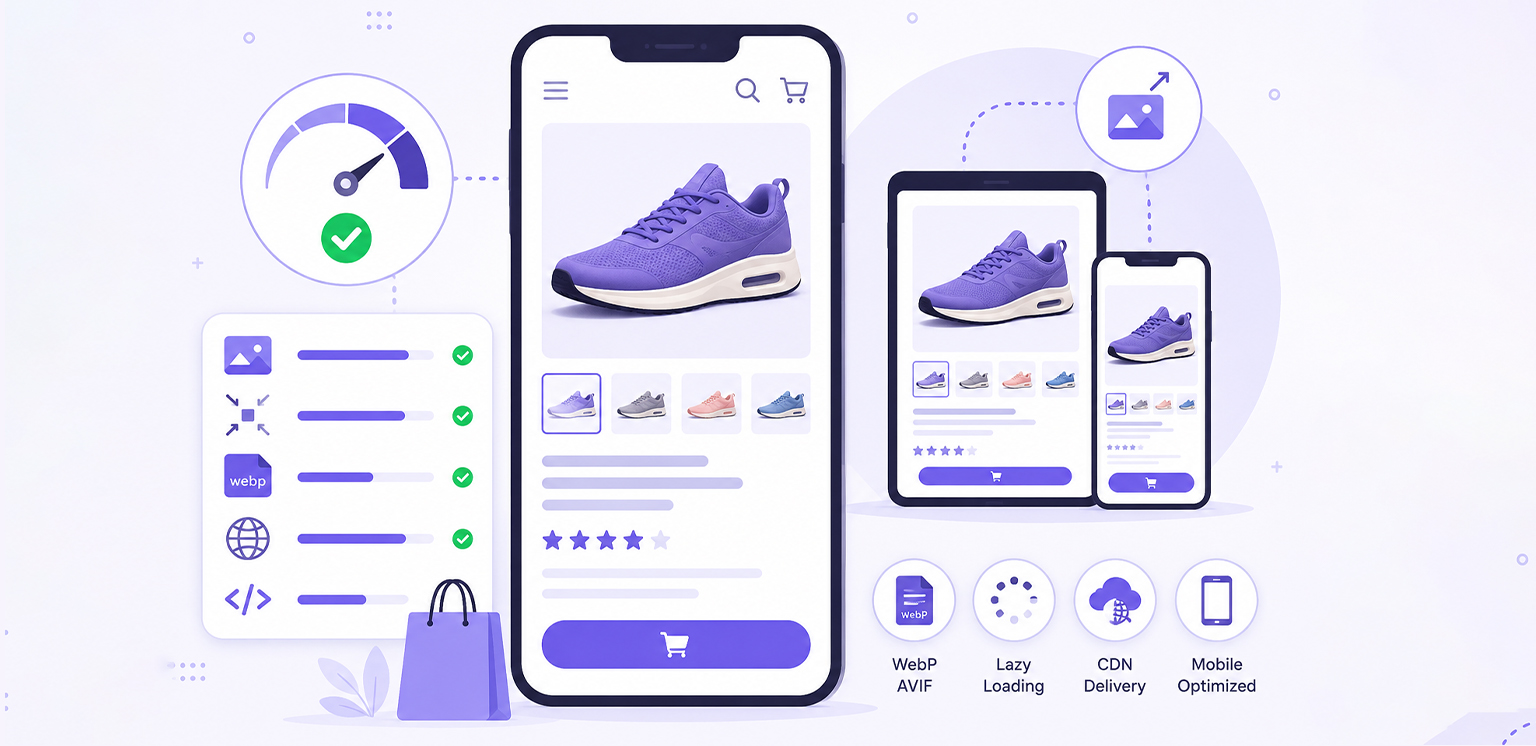
TL;DR: If your product pages load slowly on smartphones, oversized and poorly optimized images are often the reason. This article explains how to optimize product images for mobile shoppers using image compression, responsive images, modern formats, and mobile-friendly delivery techniques. By applying these best practices, you can improve mobile page speed, enhance the mobile shopping experience, reduce bounce rates, and help shoppers reach purchase decisions faster.
A significant share of ecommerce traffic now comes from mobile devices, yet many online stores still use product images designed primarily for desktop users. These images are often oversized, poorly scaled, and inefficiently delivered, creating unnecessary friction for mobile shoppers.
Because product images typically represent the largest visual assets on a page, they have a direct impact on loading speed, user engagement, and conversion performance. On mobile devices, where screen sizes, network conditions, and processing power vary widely, even small image inefficiencies can noticeably affect the shopping experience.
If your product pages feel slow or image-heavy on smartphones, learning how to optimize product images for mobile is essential. As part of a broader ecommerce image optimization strategy, mobile-focused image optimization helps improve page speed, deliver a better user experience, and ensure shoppers can browse products quickly and confidently across all devices.
Mobile Product Image Optimization: At a Glance
To optimize product images for mobile shoppers, focus on the key factors that directly impact loading speed, image quality, and mobile usability. The table below provides a quick overview of the most effective optimization techniques and their benefits.
| Optimization Area | What to Do | Benefit |
|---|---|---|
| Image Compression | Reduce file size without noticeable quality loss | Faster page loads and lower data usage |
| Responsive Images | Serve different image sizes based on screen size | Better performance across devices |
| Modern Formats | Use WebP or AVIF instead of large JPEGs and PNGs | Smaller files with high visual quality |
| Proper Dimensions | Resize images to match mobile display requirements | Prevent unnecessary downloads |
| Lazy Loading | Load below-the-fold images only when needed | Improves initial page speed |
| Mobile-Friendly Design | Use clear, zoomable, and consistent product images | Enhances the mobile shopping experience |
| CDN Delivery | Deliver images from servers closer to users | Faster loading for global audiences |
By focusing on these areas, businesses can optimize product images for mobile devices, improve mobile page speed, and create a smoother ecommerce experience without sacrificing image quality.
Why Mobile Product Image Optimization Matters
Mobile users are highly sensitive to performance delays, especially when shopping online. Research from Google found that 53% of mobile users abandon a page that takes longer than three seconds to load, highlighting how quickly poor performance can drive potential customers away.
Large product images affect multiple performance layers:
- Delay Largest Contentful Paint (LCP), often the primary product image
- Increase total page weight and loading time
- Consume more mobile data, particularly on slower networks
- Slow down product gallery interactions and image zoom functionality
Because product images are usually the first elements shoppers see, they play a major role in shaping first impressions. Slow-loading visuals can make an ecommerce store feel unprofessional or unreliable, even when the products themselves are high quality.
By prioritizing mobile product image optimization, businesses can improve mobile page speed, create a smoother shopping experience, and reduce the risk of losing visitors before they even view the product.
8 Ways to Optimize Product Images for Mobile Shoppers
This section focuses on practical, high-impact strategies that improve both performance and user experience.
1. Implement Responsive Product Images
One of the most important steps to optimize product images for mobile is serving different image sizes based on device width.
Instead of forcing all users to download a large desktop image, responsive delivery ensures mobile users receive appropriately sized assets.
Example:
<img
  src="product-800.webp"
  srcset="product-400.webp 400w,
          product-800.webp 800w,
          product-1200.webp 1200w"
  sizes="(max-width: 768px) 100vw, 50vw"
  alt="Product Image">
This reduces unnecessary bandwidth usage and significantly improves mobile page speed.
2. Product Image Compression Without Sacrificing Quality
Compression remains one of the most effective ways to optimize product images for mobile. The challenge is finding the balance between image quality and file size.
A common mistake is uploading images directly from cameras or smartphones. These files are often several megabytes in size despite being displayed at much smaller dimensions online. Effective product image compression should:
- Preserve product details
- Maintain zoom functionality
- Reduce unnecessary metadata
- Minimize file weight
Many ecommerce sites can significantly reduce image payload without creating visible quality differences for shoppers.
3. Use Modern Image Formats (WebP & AVIF)
Image format selection has a significant impact on performance. Traditional JPEG files remain common, but modern formats are generally more efficient.
| Format | Best Use Case | Compression Efficiency |
|---|---|---|
| JPEG | Legacy compatibility | Good |
| PNG | Graphics and transparency | Large files |
| WebP | Product photography | Very good |
| AVIF | Maximum compression | Excellent |
Research shows that WebP images are typically 25–35% smaller than equivalent JPEGs, while AVIF can provide even greater reductions. Browser support for WebP is now nearly universal, while AVIF is widely supported across modern browsers and continues to expand.
For most ecommerce stores, WebP is an excellent default choice, while AVIF can further improve performance for high-traffic pages.
4. Define Proper Image Dimensions
Serving oversized images for mobile screens is one of the most common ecommerce inefficiencies.
For most ecommerce product pages, mobile users rarely need images wider than 800-1200px, although higher-resolution source images may still be required for zoom functionality. Setting proper dimensions prevents unnecessary downloads and improves rendering speed.
5. Enable Lazy Loading for Product Pages
Lazy loading improves performance by loading images only when they appear on screen. This is especially useful for:
- Product listing pages
- Long-scroll ecommerce pages
- Image-heavy galleries
It reduces initial load time and improves perceived speed on mobile devices.
6. Optimize for Mobile Viewing and Product Discovery
Improving mobile performance is important, but shoppers also need product images that help them evaluate items quickly and confidently. Mobile-friendly product images should be easy to view, zoom, and navigate without compromising loading speed.
Best practices include:
- Using multiple product angles to showcase key details
- Providing zoom functionality for closer inspection
- Maintaining consistent aspect ratios across product images
- Including lifestyle images when they add useful context
- Using clear backgrounds and consistent framing
Since mobile shoppers cannot physically examine products, high-quality visuals play a critical role in building trust and reducing purchase uncertainty. Well-optimized images make it easier for users to explore products, compare options, and move confidently toward a purchase.
7. Prioritize Above-the-Fold Product Images
The primary product image is often the first visual element shoppers see when they land on a product page. In many cases, it also becomes the Largest Contentful Paint (LCP) element, making it one of the most important images for perceived performance and Core Web Vitals.
To optimize product images for mobile effectively, prioritize the loading of this key image by ensuring it is properly compressed, appropriately sized, and delivered in modern formats such as WebP or AVIF. Avoid delaying its loading with unnecessary scripts or aggressive lazy loading settings.
When the main product image appears quickly, shoppers can begin evaluating the product immediately, creating a faster, more responsive experience.
8. Use CDN-Based Image Delivery
A Content Delivery Network (CDN) improves image loading by serving files from servers closest to the user. This reduces latency, especially for global ecommerce traffic, and ensures consistent performance across regions.
This is especially valuable for ecommerce stores that serve customers across multiple regions or countries. Combined with image compression and responsive delivery, a CDN can improve loading consistency and create a smoother mobile shopping experience.
Impact on Mobile Page Speed and Core Web Vitals
Product images are often the largest assets on an ecommerce page, making them one of the biggest contributors to mobile performance issues.
When images are oversized or delivered inefficiently, they can negatively affect key Core Web Vitals metrics and create a slower shopping experience. Common image-related issues include:
- Slow Largest Contentful Paint (LCP): Large product or hero images delay the loading of the main visible content.
- Layout Shifts: Missing image dimensions can cause content to move unexpectedly as images load.
- Excessive Page Weight: High-resolution images increase download sizes, especially on mobile networks.
Optimizing product images through compression, responsive delivery, and modern formats helps pages load faster and appear stable while loading.
This not only improves Core Web Vitals performance but also creates a smoother mobile shopping experience, allowing users to browse products with fewer delays and interruptions.
Mobile Product Images and Conversion Behavior
Optimized product images do more than improve page speed, they help shoppers make purchase decisions with confidence. When product visuals load quickly, display clearly, and respond smoothly on mobile devices, users can evaluate products without frustration or delays.
As a result, shoppers are more likely to:
- Stay longer on product pages
- Explore product galleries and zoom features
- Compare products more comfortably
- Trust the quality and professionalism of the store
- Complete purchases with fewer interruptions
Fast, high-quality mobile ecommerce images also reduce the likelihood of users abandoning a page before viewing key product details.
While product image optimization alone does not guarantee higher conversions, it removes a major source of friction in the buying journey and helps create the seamless mobile shopping experience that today’s consumers expect.
Conclusion
To optimize product images for mobile shoppers effectively, ecommerce brands must go beyond basic compression and adopt a complete mobile-first image strategy. Responsive delivery, modern formats, and performance-focused loading techniques work together to improve speed and user experience.
When product images are optimized properly, mobile pages load faster, feel smoother, and support better shopping behavior across the entire user journey.
FAQs
Q1. Why is mobile product image optimization important?
Q2. What is the best image size for mobile product images?
Q3. How do large product images affect mobile performance?
Q4. What image format is best for mobile ecommerce websites?
Q5. Can product image optimization improve mobile conversion rates?
29 June, 2026
Leave a Comment
Ishan Makkar
He is a web performance specialist focused on image optimization and site speed. As the founder of Image Optimizer Pro, he helps businesses reduce image load times and improve Core Web Vitals. His work centers on delivering faster websites, better user experience, and measurable SEO gains without complex development.