
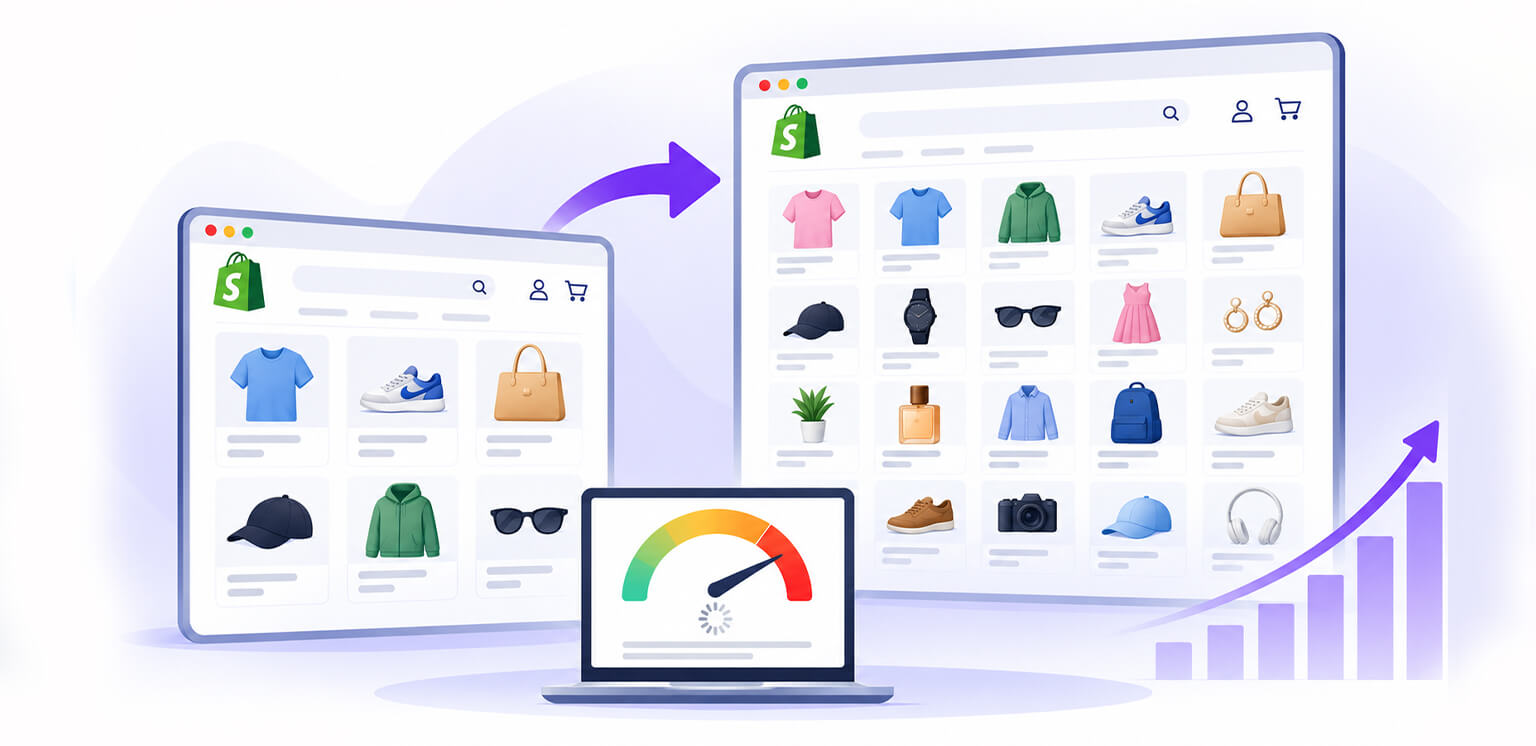
TL;DR: A Shopify store gets slower as you add more products when images, Liquid code, apps, and collection pages become harder to handle efficiently. Learn what actually causes the slowdown, and how to keep a large Shopify catalog fast.
A Shopify store can feel fast when it has 50 products and noticeably slower after growing to 500, 5,000, or more. That often leads merchants to assume Shopify simply becomes slow with a large catalog. In practice, the relationship is more nuanced.
A Shopify store gets slower as you add more products when the storefront has to process or display more catalog data than the theme and browser can efficiently handle. Product images, collection grids, filters, Liquid loops, third-party apps, and JavaScript can all become more expensive as the store grows.
The good news is that a large catalog does not automatically mean a slow storefront. The key is making sure your implementation scales with it.
Why Does a Shopify Store Slow Down as Product Count Increases?
A growing product catalog can expose performance issues that are barely noticeable when a store is small. The real slowdown usually comes from how efficiently Shopify handles the additional content, requests, and storefront functionality.
| Cause | What changes as the catalog grows | Typical impact |
|---|---|---|
| Product images | More image assets and larger image payloads | Slower loading and LCP |
| Liquid code | More products, variants, or metafields may be processed | Higher TTFB |
| Collection pages | More cards, filters, and content can increase page complexity | More browser work |
| Apps | More integrations can add scripts and requests | Slower loading or interaction |
| JavaScript | More storefront functionality increases execution work | Higher INP |
| Theme structure | Inefficient loops and duplicated markup scale poorly | Performance degradation |
Shopify itself identifies theme code, apps, third-party services, analytics, and the quantity and size of images and videos as important factors in storefront performance.
Does Adding More Products Actually Make Shopify Slower?
Not necessarily. Shopify does not load your entire catalog when someone visits your store. Shopify doesn’t become slow simply because your store has more products. Performance usually declines when your theme, collection pages, filters, images, or apps have to process more catalog data and resources as the store grows.
For example, a collection page showing 48 products may load product images, prices, variants, reviews, badges, quick-add features, and app functionality for every card. As that workload increases, the browser and Shopify’s rendering system have more to process.
Shopify’s theme-performance documentation also warns that deeply nested Liquid loops can become increasingly expensive as the number of products grows.
Where Does a Large Shopify Catalog Affect Store Performance Most?
Product count does not affect every Shopify page in the same way. The impact is usually more noticeable on pages that display, filter, or process multiple products at once.
| Page type | Does catalog size matter? | Why? |
|---|---|---|
| Product page | Usually indirectly | Variants, recommendations, reviews, and apps can add complexity |
| Collection page | Often yes | More product cards, images, filters, and Liquid processing |
| Search page | Often yes | Search results, filtering, sorting, and product data add workload |
| Homepage | Usually indirectly | Featured products, recommendations, and merchandising sections |
| Cart/checkout | Usually less directly | Apps, scripts, and checkout functionality tend to matter more |
For most growing stores, collection and search pages are the first places to investigate because they can process multiple products and related functionality in a single experience.
6 Reasons Your Shopify Store May Slow Down as It Grows
As your product catalog expands, the storefront may have to handle more images, code, scripts, and product data. Here are six common reasons a growing Shopify store can start showing performance issues.
1. Your Product Images Multiply the Page Weight
For many growing ecommerce stores, images are one of the first areas to investigate.
Adding products means adding product photos, alternate views, lifestyle images, swatches, and other visual assets. If these images are unnecessarily large or poorly optimized, the resulting performance problems may come from image weight rather than the number of products itself.
The 2025 Web Almanac found that images were the largest individual resource category on web pages, with median image weight around 911 KB on mobile home pages and 1,058 KB on desktop home pages.
That makes Shopify product image performance especially important as your catalog grows. A product card displayed at 300px wide, for instance, does not necessarily need a 2,000px-wide image downloaded at full resolution.
Shopify recommends responsive images using srcset and sizes so browsers can select an appropriate image source.
Don’t confuse compression with resizing:
Compression and resizing solve different problems. An image might be 2400 × 2400px and 700 KB but appear at only 400 × 400px on the page. Compressing it further reduces file size, but delivering far more pixels than necessary can still waste bandwidth.
For Shopify store image optimization at scale, consider dimensions, compression, format, and responsive delivery together.
2. Large Collection Pages Put More Work on the Browser
Collection pages are often where merchants first notice a Shopify store slow with many products.
A page showing 24 simple product cards is much lighter than one rendering 60 cards with images, variant selectors, ratings, badges, quick-view features, and app-generated content. More cards mean more HTML, DOM elements, images, and potentially more JavaScript to process.
Keep collection pages focused with sensible pagination or controlled loading rather than rendering unnecessarily large product grids.
Mobile performance deserves particular attention. Shopify recommends avoiding unnecessary duplicate markup and resources for responsive layouts.
For image-heavy pages, lazy loading can reduce the initial payload. However, don’t lazy-load your LCP image. Important above-the-fold images should generally load eagerly, with fetchpriority="high" used where appropriate.
3. Inefficient Liquid Code Can Scale Poorly
Liquid code becomes more important as your catalog grows. A theme that checks products, variants, metafields, or collections inside nested loops may perform well with a small catalog but require substantially more processing as the amount of data increases.
This can increase server-side rendering time and affect how quickly page content is delivered to the browser.
If your Shopify store slowing down coincides with a major catalog expansion or theme customization, inspect Liquid before assuming the problem is Shopify itself. Shopify recommends using Theme Inspector for Chrome to identify expensive Liquid operations.
4. Apps Become More Noticeable as Stores Grow
Growing stores often accumulate apps for reviews, search, filtering, subscriptions, wishlists, analytics, personalization, pop-ups, and chat.
These apps can add scripts, requests, and storefront functionality. Shopify supports app blocks and embeds, while some apps can also add code directly to themes.
The issue isn’t that every app is harmful; it’s the cumulative overhead.
If your Shopify store is getting slower, review whether each app is still necessary, whether it loads site-wide, and whether its functionality can be restricted to relevant pages. Removing unnecessary functionality can produce a larger improvement than making several minor theme tweaks.
5. Product Variants and Catalog Features Add Complexity
A product with one variant is relatively simple. A product with dozens of variants, multiple options, swatches, inventory indicators, personalization, and dynamic pricing requires more storefront logic.
The same applies to filters. Large catalogs often need filtering by size, color, brand, price, availability, and other attributes, but complex implementations can increase JavaScript and DOM work.
This makes Shopify large catalog optimization less about the raw number of products and more about controlling how much information the storefront processes and displays at once.
6. More Products Can Expose Existing Performance Problems
Sometimes adding products doesn’t create a new problem, it exposes an existing one.
An inefficient Liquid loop might be barely noticeable with 20 products but become expensive with 500. Similarly, oversized images may seem acceptable on a small store but become much more noticeable as additional merchandising sections, recommendations, and product content increase page weight.
So Shopify store speed and product count should not be treated as a simple cause-and-effect relationship. The more useful question is what additional work does your storefront perform as the catalog grows?
How to Prevent a Large Shopify Catalog From Slowing Down Your Store
A scalable Shopify store should be optimized around what visitors actually need to download and process.
Audit product images at scale
Start with your highest-traffic product and collection pages. Check image dimensions, file sizes, formats, responsive behavior, and loading priority.
Shopify’s image_tag can generate responsive image markup and appropriate dimensions, while Shopify recommends using its image filters instead of manually constructing CDN URLs.
Reduce unnecessary content on collection pages
Do not assume that showing more products above the fold creates a better shopping experience.
Test fewer products per page, simpler cards, and deferred functionality. Product grids should contain only the information customers need to make the next decision.
Review Liquid performance
Use Theme Inspector to locate expensive Liquid operations. Pay particular attention to nested loops, repeated calculations, and unnecessary product or variant processing.
Audit apps and third-party scripts
Review installed apps periodically. Remove unused functionality and prevent nonessential scripts from loading site-wide where possible.
Measure before and after changes
Use Shopify’s web performance reports alongside tools such as PageSpeed Insights and Chrome DevTools.
Pay attention to:
| Metric | What it tells you |
|---|---|
| LCP | How quickly the main visible content loads |
| INP | How responsive the page is to interactions |
| CLS | Whether the layout shifts unexpectedly |
| TTFB | How quickly the server begins responding |
If image-related problems remain after compression, common PageSpeed Insights image issues can help identify whether the problem is actually image sizing, delivery, loading behavior, or something else.
A Practical Large-Catalog Optimization Workflow
If your Shopify store gets slower as you add more products, avoid changing everything at once.
Start with the pages customers use most: your homepage, top collections, search results, and best-selling product pages.
Then work through this order:
1. Measure → 2. Identify the largest resource → 3. Fix images → 4. Review Liquid → 5. Audit apps → 6. Simplify collection pages → 7. Test Core Web Vitals again.
This approach makes it easier to determine whether your Shopify product catalog, images, theme, or third-party functionality is actually responsible for the slowdown.
Conclusion
A Shopify store gets slower as you add more products when the storefront’s workload grows faster than its implementation can efficiently handle. The product count is often only the trigger that exposes problems with images, Liquid, collection templates, apps, filters, or JavaScript.
For large stores, the goal is not to make every page contain less information. It is to make every page load only what the shopper needs, at the right size and at the right time.
That means optimizing product images at scale, keeping collection templates lean, avoiding expensive Liquid patterns, controlling third-party scripts, and measuring Core Web Vitals throughout catalog growth. With those practices in place, a large Shopify catalog can remain responsive without sacrificing the shopping experience.
Frequently Asked Questions
Does Shopify get slower with more products?
How many products can Shopify handle without slowing down?
Can product images slow down a Shopify store?
Why is my Shopify collection page so slow?
Does having more Shopify products affect SEO?
How do I speed up a Shopify store with thousands of products?
25 September, 2026
Leave a Comment
Ishan Makkar
He is a web performance specialist focused on image optimization and site speed. As the founder of Image Optimizer Pro, he helps businesses reduce image load times and improve Core Web Vitals. His work centers on delivering faster websites, better user experience, and measurable SEO gains without complex development.