
TL;DR: TinyPNG is helpful, but it’s not built for every workflow. If you need better quality control, modern formats like WebP, bulk image compression, or performance-focused optimization, there are stronger tools available. This guide compares the best TinyPNG alternatives, explains how they differ, and helps you choose the right image optimizer based on real-world needs like SEO, speed, and scalability.
Image compression isn’t just about making files smaller anymore. It’s about keeping images sharp, loading pages faster, supporting better Core Web Vitals, and making sure your site performs well across devices. TinyPNG introduced many people to simple image optimization, but as websites grow, its limitations become more noticeable. File size caps, fewer formats, and limited automation can slow things down.
That’s why more site owners, developers, and marketers are actively looking for stronger TinyPNG alternatives. This guide breaks down the most reliable options available today. You’ll see how they handle JPEG compression, bulk image compression, format conversion like compress JPEG to WebP, and long-term performance.
Why Look Beyond TinyPNG?
TinyPNG works well for quick, one-off compression, but it wasn’t designed for scale. As image-heavy websites became the norm, expectations changed. Users now want automation, better format support, and predictable quality control.
A proper comparison shows that many alternatives offer more flexibility. Some focus on SEO and site speed, others on developer workflows or visual quality. If you upload images frequently or manage large libraries, switching tools can make a noticeable difference in both performance and workflow efficiency.
Quick Comparison of the 9 Best TinyPNG Alternatives
| Tool | Best For | Supported Formats | Bulk Compression | Pricing | Rating |
|---|---|---|---|---|---|
| Image Optimizer Pro | SEO-focused all-in-one optimization | JPG, PNG, WebP, SVG, TIFF | Yes | Free + Paid | ⭐ 4.9/5 |
| Compressor.io | Advanced custom compression | JPG, PNG, SVG, GIF, WebP | Yes | Free + Paid | ⭐ 4.7/5 |
| Kraken.io | Speed and API workflows | JPG, PNG, GIF, SVG, WebP | Yes | Free + Paid | ⭐ 4.5/5 |
| ShortPixel | WordPress users and performance-focused sites | JPG, PNG, GIF, WebP | Yes | Free + Paid | ⭐ 4.5/5 |
| Imagify | Bloggers and CMS-based websites | JPG, PNG, GIF | Yes | Free + Paid | ⭐ 4.4/5 |
| iLoveIMG | Users handling bulk image tasks | JPG, PNG, SVG, GIF | Yes | Free + Paid | ⭐ 4.3/5 |
| Optimizilla | Manual quality control | JPG, PNG, GIF | Yes | Free | ⭐ 4.1/5 |
| Squoosh | Developers testing modern image formats | JPG, PNG, WebP, AVIF | Limited | Free | ⭐ 4/5 |
| ResizePixel | Quick resizing with light compression | JPG, PNG, WebP, GIF | Limited | Free | ⭐ 4/5 |
1. Image Optimizer Pro
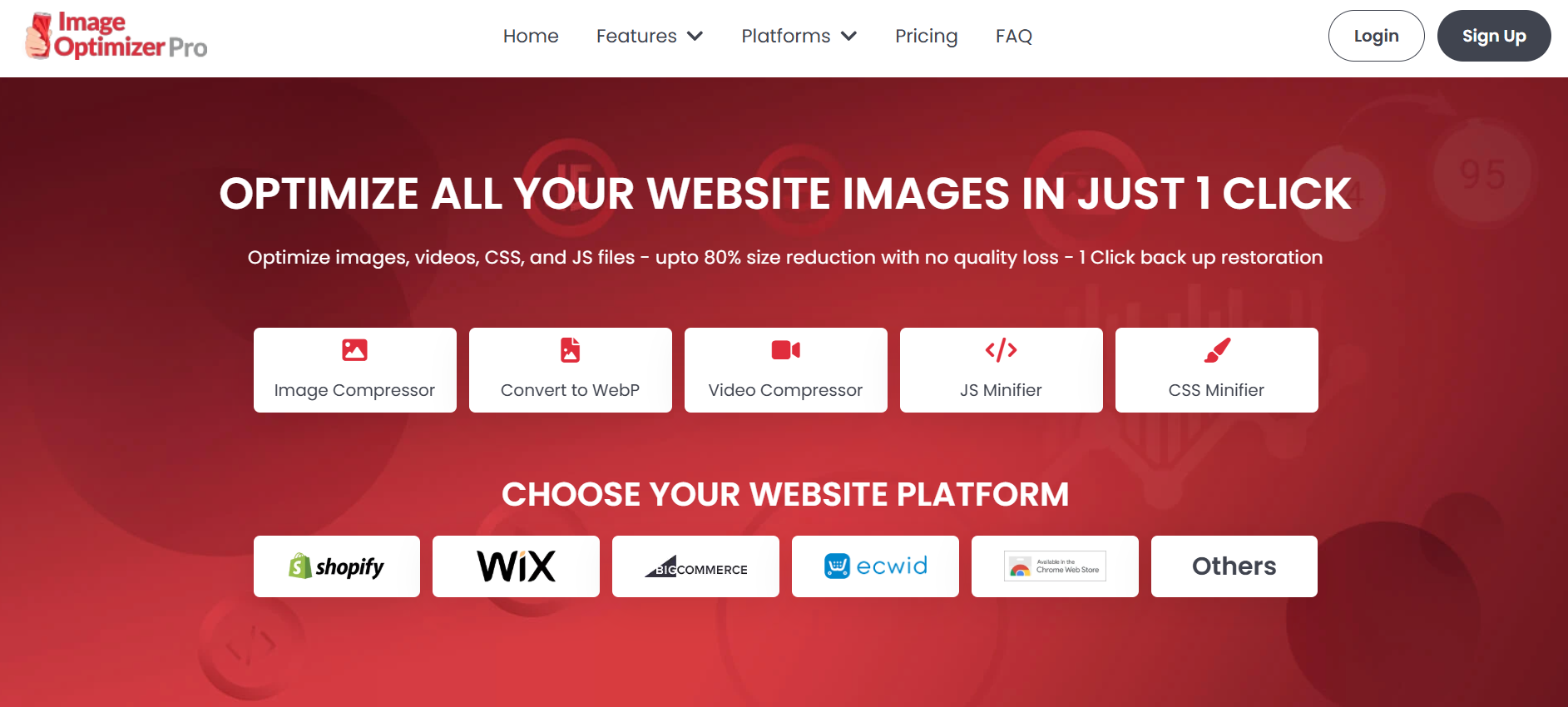
Image Optimizer Pro earns the top spot because it’s built around performance, not just file reduction. Instead of focusing on single-image compression, it treats optimization as part of a bigger picture: SEO, site speed, and long-term stability.
It handles JPEG compression efficiently while also supporting modern formats like WebP. Bulk image compression is smooth and predictable, which matters when you’re managing hundreds or thousands of images.
Users can fine-tune image quality in real time with a visual slider and see instant previews of how compression affects the final result. The biggest advantage is that optimization happens without risking original files, making it a safer option for production sites.
From an SEO standpoint, Image Optimizer Pro helps improve metrics that influence Core Web Vitals, such as LCP and overall page load time. This makes it especially useful for e-commerce stores, publishers, and content-heavy websites.
| Pros | Cons |
|---|---|
|
|
2. Compressor.io
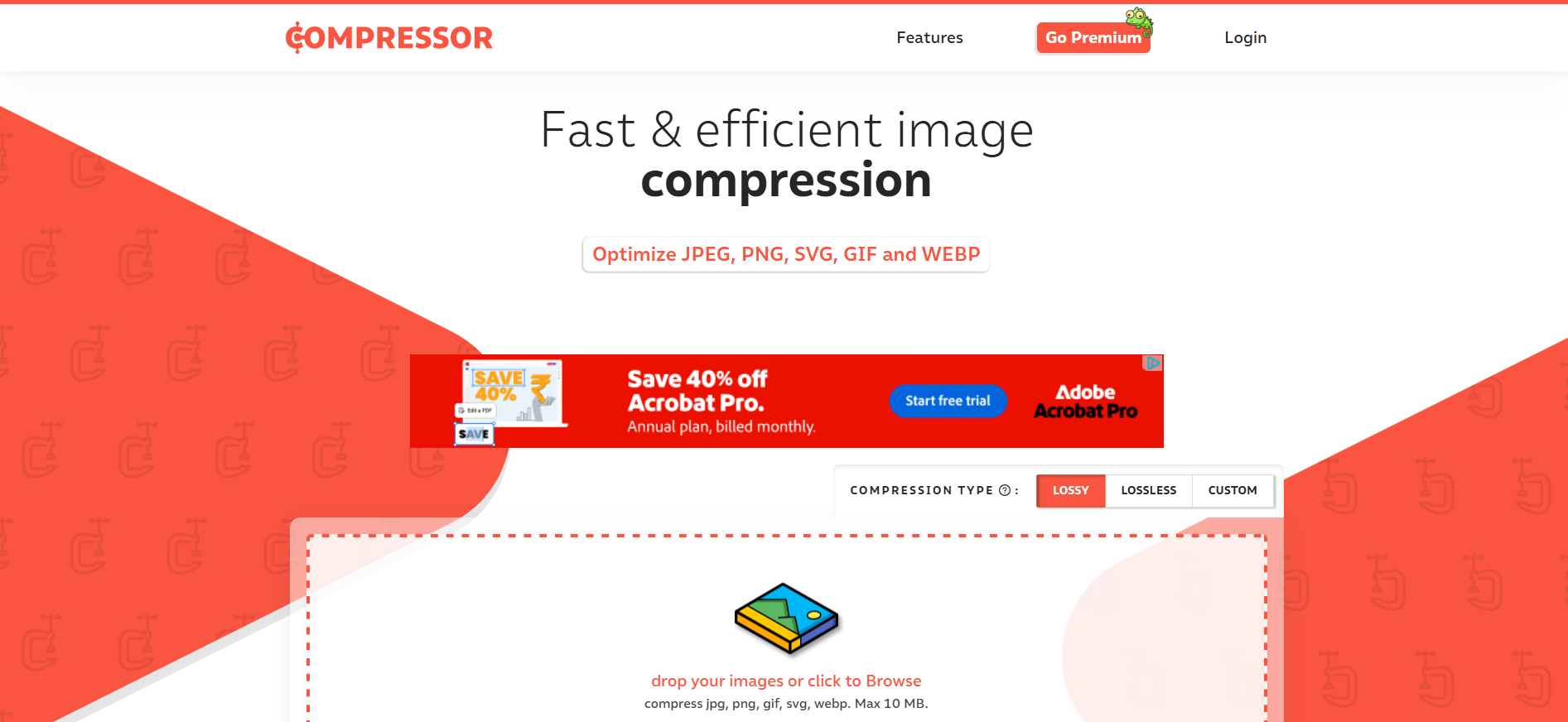
Compressor.io stands out for users who want control. Its custom compression mode allows you to fine-tune how images are optimized, which appeals to developers and advanced users.
It supports modern formats like WebP and SVG, making it useful for performance-focused websites. While it lacks API access, it still offers solid bulk compression for hands-on optimization workflows.
| Pros | Cons |
|---|---|
|
|
3. Kraken.io

Kraken.io is built for speed and reliability. It’s widely used by developers and teams that need consistent results across large image sets. What sets it apart is the choice between lossy, lossless, and expert compression modes, which allows fine-tuning based on use case.
Kraken.io also offers API access, making it ideal for automated workflows. If your site processes images dynamically or pulls from cloud storage, it fits naturally into that setup.
| Pros | Cons |
|---|---|
|
|
4. ShortPixel

ShortPixel stands out for users who want reliable automation without sacrificing image quality. It’s built for website owners who prefer images to be optimized in the background, rather than handling compression manually every time new content is added.
The tool supports modern formats like WebP and AVIF, making it a strong choice for performance-focused sites. ShortPixel works especially well for WordPress and other CMS-based platforms, where bulk image compression and automatic optimization can save significant time as content libraries grow.
| Pros | Cons |
|---|---|
|
|
5. Imagify
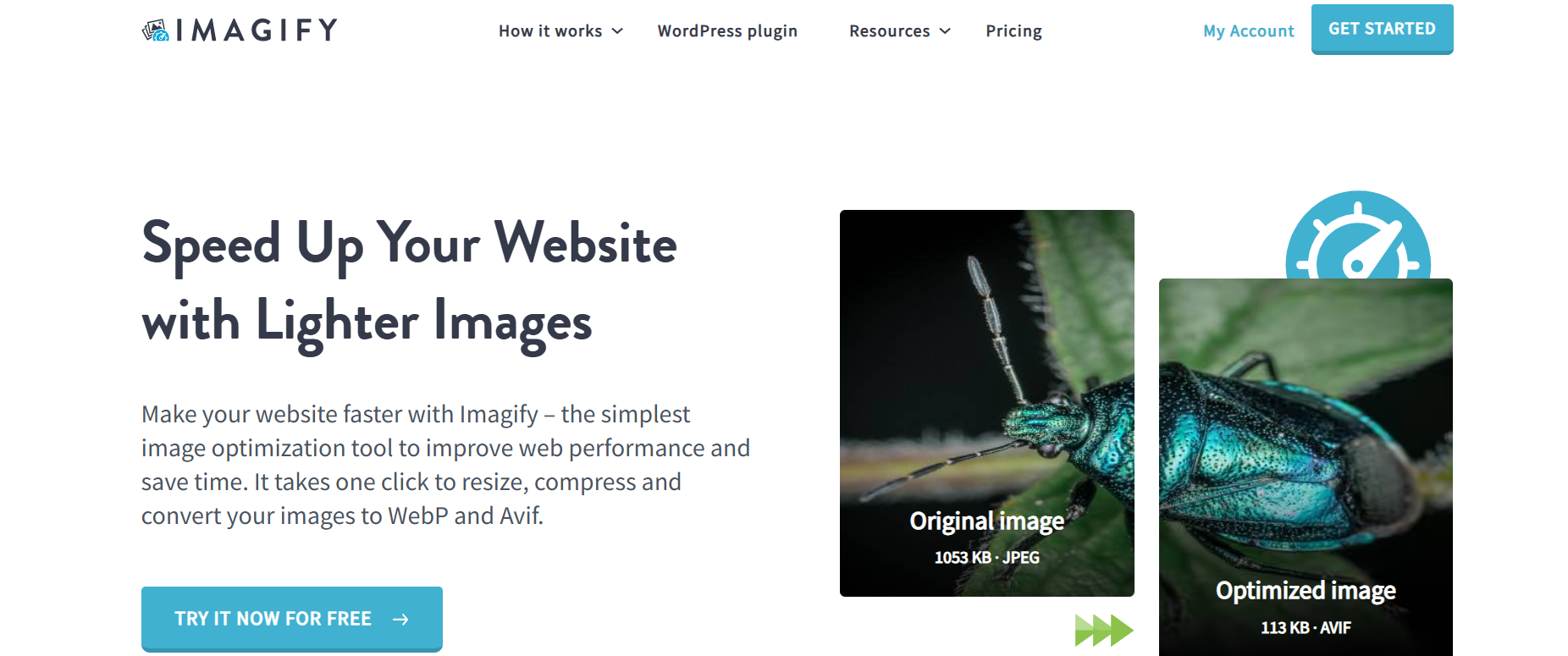
Imagify works well for website owners who want flexibility without complexity. Available as both a web tool and a plugin, it integrates easily into CMS-driven sites. It supports multiple compression levels, allowing users to balance speed and quality depending on content type.
In addition to images, Imagify supports PDF optimization, which adds value for content publishers. It’s a practical choice for those managing blogs, landing pages, or marketing sites.
| Pros | Cons |
|---|---|
|
|
6. iLoveIMG
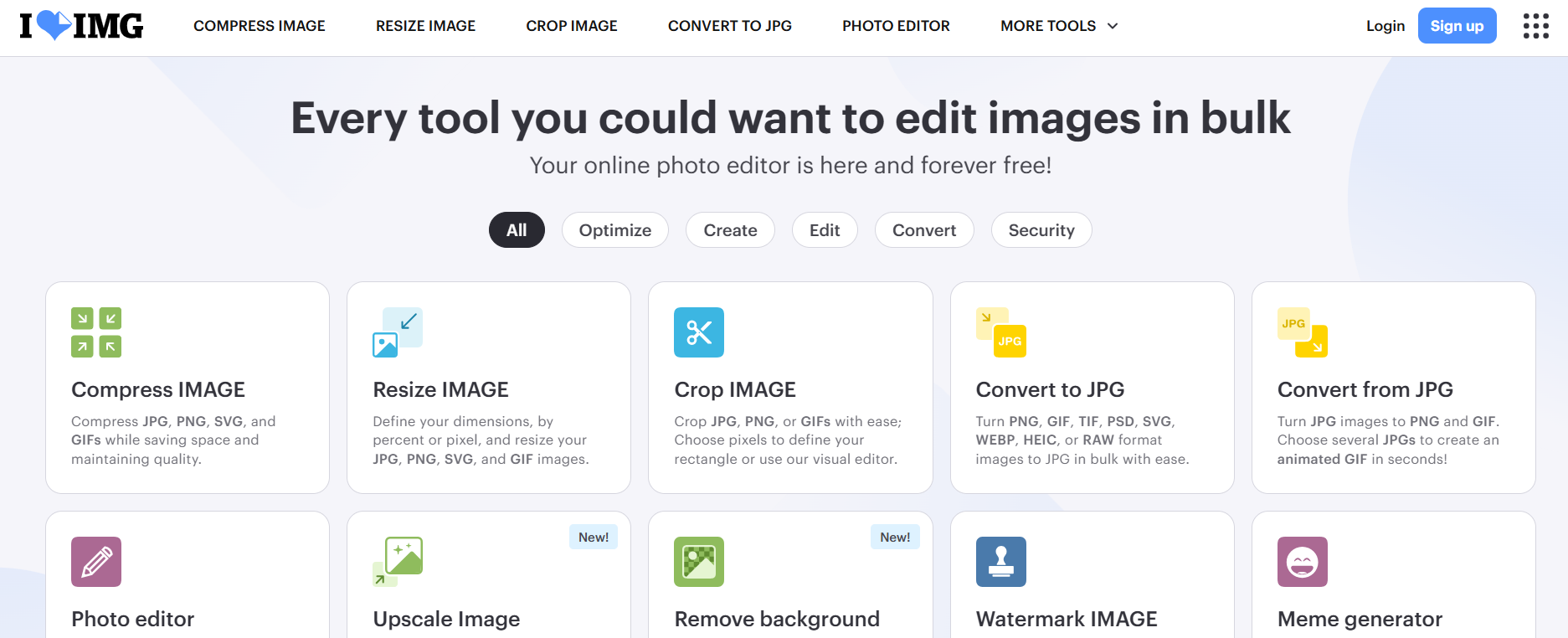
iLoveIMG is built for users who want simplicity without sacrificing functionality. Instead of focusing on advanced compression controls, it offers a streamlined toolkit that covers the most common image tasks in one place. This makes it a practical choice for marketers, content teams, and everyday users who need quick results without technical setup.
The platform handles image compression in bulk reliably and pairs it with tools for resizing, converting, and cropping images. While it doesn’t offer deep customization, its speed and ease of use make it effective for routine image optimization workflows.
| Pros | Cons |
|---|---|
|
|
7. Optimizilla
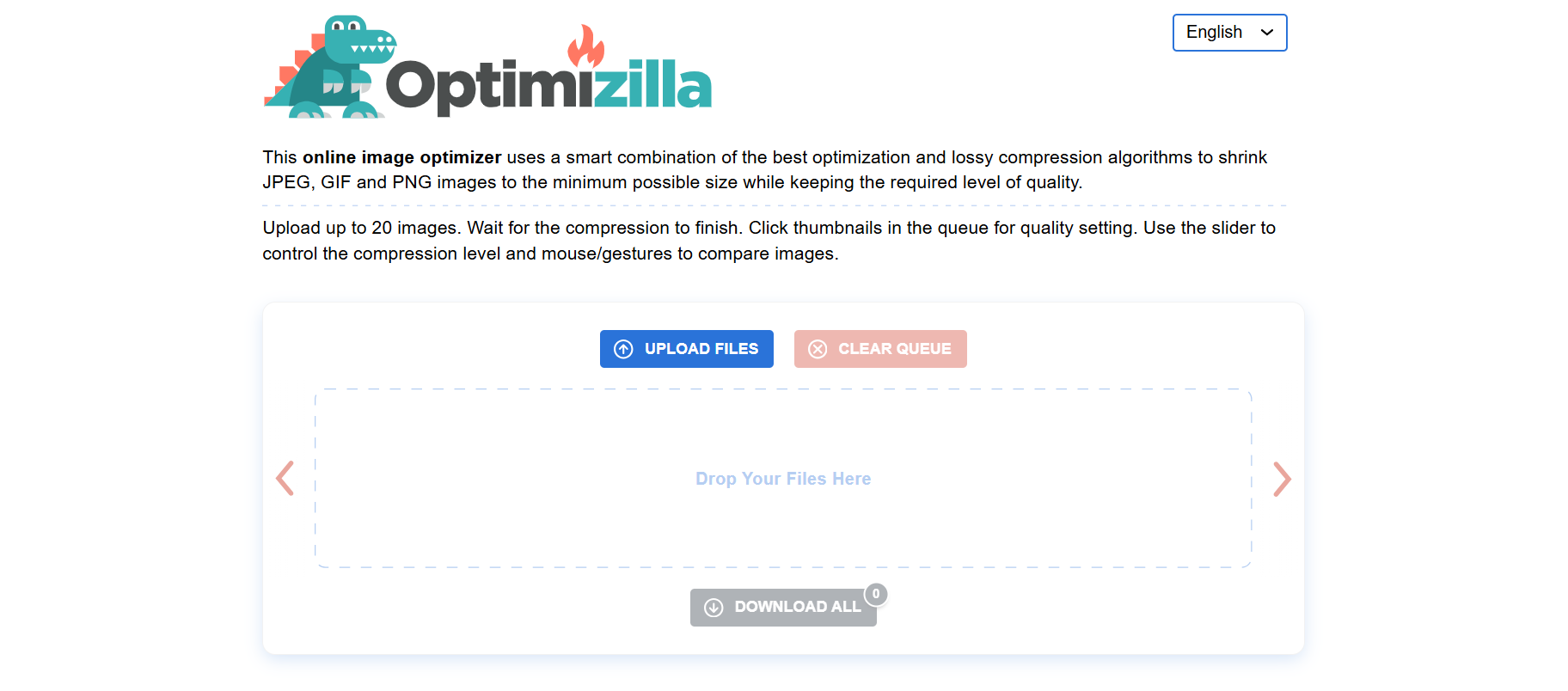
Optimizilla is a favorite among designers and bloggers who want direct control over image quality.
It’s particularly useful when image appearance matters more than automation. While it doesn’t support newer formats like WebP, it remains a solid TinyPNG alternative for manual JPEG compression and quick bulk uploads without creating an account.
| Pros | Cons |
|---|---|
|
|
8. Squoosh

Squoosh stands out for users who want full visibility into how image compression actually works.
It also supports modern image formats WebP and AVIF and runs entirely in the browser, which makes testing fast and secure. While Squoosh isn’t designed for automated or large-scale workflows, it’s a strong choice for hands-on optimization and format testing before applying changes site-wide.
| Pros | Cons |
|---|---|
|
|
9. ResizePixel

ResizePixel works best for users who want quick, precise control over image dimensions with light compression built in.
It supports modern formats and processes images directly in the browser, so files aren’t stored on external servers. While it doesn’t offer advanced optimization features or automation, it’s a practical TinyPNG alternative for simple resizing and minor compression tasks.
| Pros | Cons |
|---|---|
|
|
How to Choose the Right TinyPNG Alternative?
Choosing the right tool depends on how you work. If SEO and speed matter most, an all-in-one optimizer like Image Optimizer Pro makes sense. Designers may prefer visual control, while developers often need APIs and automation. Proper tool comparison looks beyond file size and focuses on workflow efficiency, quality consistency, and long-term performance.
Conclusion
TinyPNG introduced many people to image compression, but modern websites demand more flexibility and performance. The best TinyPNG alternatives offer better format support, stronger bulk image compression, and features that align with SEO and speed goals. By choosing a tool that fits your workflow, you can improve load times, protect image quality, and support long-term site growth without unnecessary friction.
FAQs
What is the best alternative to TinyPNG?
Image Optimizer Pro, compressor.io, and Squoosh offer the most balanced combination of speed, quality, bulk image compression, and SEO-focused optimization.
Does TinyPNG reduce quality?
Yes, TinyPNG uses lossy compression, which can slightly affect image quality, especially with repeated use.
What is the difference between Image Optimizer Pro and TinyPNG?
Image Optimizer Pro focuses on site-wide performance, modern formats, and bulk optimization, while TinyPNG is mainly for simple image compression.
Why look for a TinyPNG alternative?
Limits on file size, formats, and automation often make other tools more suitable for growing websites.
Can these tools compress JPEG to WebP?
Yes, several tools in this list support converting and compressing JPEG to WebP for better performance.
13 March, 2026
Leave a Comment
Ishan Makkar
He is a web performance specialist with hands-on experience optimizing websites for speed, media efficiency, and user engagement. As the founder of Website Speedy and Image Optimizer Pro, he has helped businesses across multiple industries improve load times, strengthen SEO, and reduce bounce rates. His work focuses on creating reliable, data-driven optimization solutions that deliver measurable results and build long-term digital trust.