
TL;DR: Choosing the best Shopify image optimization apps helps reduce image file sizes, improve loading speed, and enhance SEO. This guide compares top Shopify apps by features, pricing, and pros & cons so you can pick the perfect optimization tool for your Shopify site.
High-quality images are vital for your Shopify store’s conversions, engagement, and SEO. But large, unoptimized visuals can slow down load times and impact user experience. That’s where the best Shopify image optimization apps play a key role. By compressing and resizing images without losing quality, you can improve site speed, boost rankings, and keep visitors engaged.
Yet, manually optimizing hundreds of product images can be time-consuming. This guide makes it simple with a list of automated image optimization apps for Shopify to streamline the process.
Top 10 Shopify Image Optimization Apps for Your Store
After testing and comparing multiple apps, I’ve curated this list of the 10 best Shopify image optimization apps based on my experience, performance, features, and pricing of these Shopify apps.
1. Image Optimizer Pro
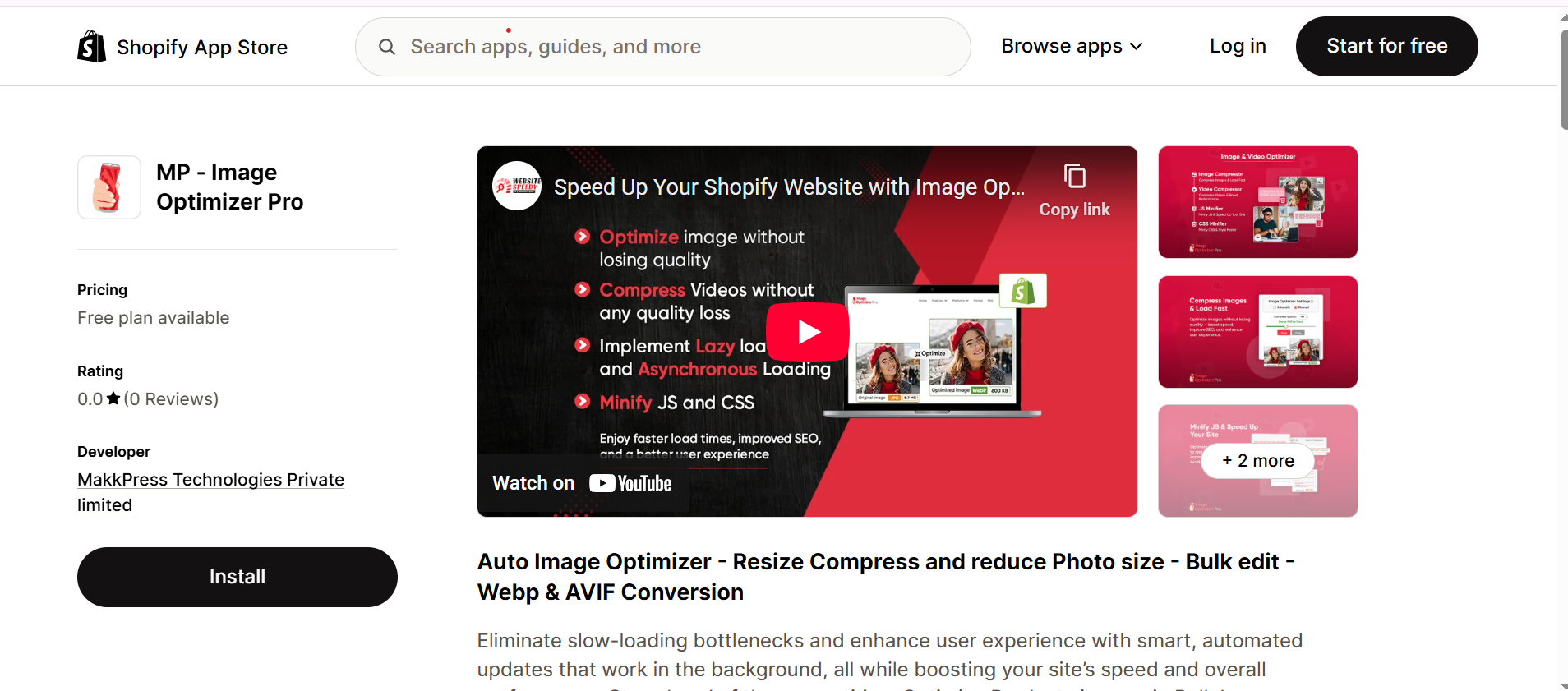
Image Optimizer Pro is one of the best apps for Shopify image compression and an advanced automation solution that compresses bulk images in just 1 click, providing up to 80% efficient compression without sacrificing visual quality. I have experienced 30% to 60% faster loading times and 20% to 30% bounce-rate reduction. Not only this, but it also has an autosync feature for newly uploaded images, which means no need to worry once it’s installed.
I have chosen Image Optimizer Pro above any image optimization tool because it is more than just a tool for image compression; it is an all-in-one performance booster for websites, solving problems with JSS Minifier, Image Compressor, CSS Minifier, and Video Compressor.
Key Features of Image Optimizer Pro:
- One-Click Bulk Optimization: Compress thousands of images instantly in one click. Efficient and more useful for large stores and businesses.
- Higher Compression Rate: Reduces size up to 80% without losing clarity (depends on image size and quality). It is the maximized compression (80%) one can achieve without losing visual quality with the right practices.
- Auto-Sync: Automatically optimizes newly uploaded images. No need to command again for compression every time you upload new images.
- Multi-Platform Integration: Works across major platforms, including Shopify, Wix, Squarespace, BigCommerce, Webflow, and more.
- Speed Enhancement: Improve website speed by implementing lazy loading, asynchronous loading & eliminating render blocking.
- Simple Setup & Free Plan: Easy to start with affordable upgrades.
- Backup & Restore: Keeps original copies safe in case you need to revert.
Pricing: Starts at $9 per month (free plan available)
| Pros | Cons |
|---|---|
|
Up to 80% compression without quality loss (based on image size and quality) |
Only one main pricing tier |
| Optimize images, videos, also minify CSS & JS | Lacks SEO metadata optimization (focused on performance) |
| Auto-sync & multi-platform support |
2. Booster SEO & Image Optimizer
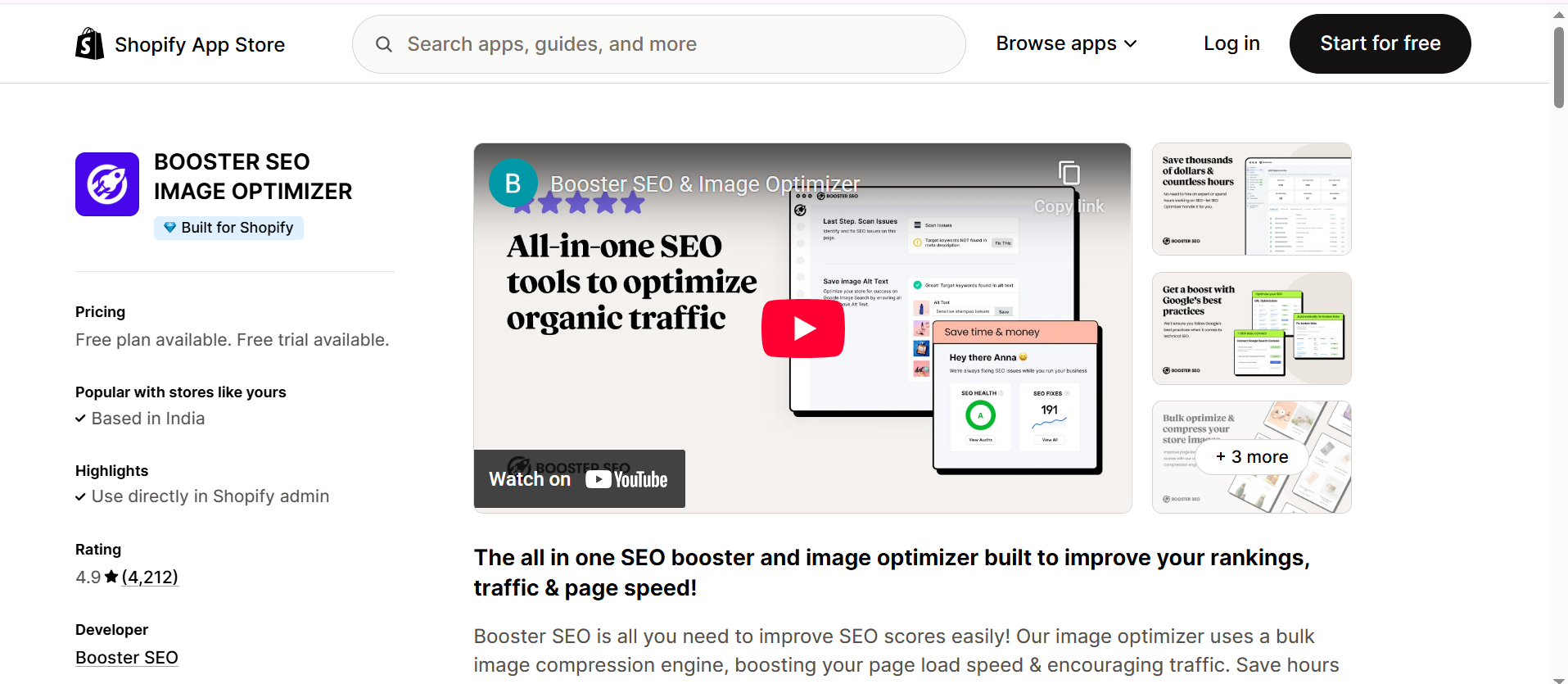
Booster SEO & Image Optimizer is a full SEO suite combined with an automatic image optimizer for Shopify. It optimizes alt text, image filenames, and compresses images in bulk, all while helping with broken links, meta tags, and speed improvements. I find Booster SEO & Image Optimizer convenient if you want to handle SEO and image compression from a single dashboard.
Key Features:
- Bulk Image Compression: Automatically reduces image sizes storewide to improve load time.
- Real-Time Alt Text Optimization: Automatically adds relevant alt tags for better SEO visibility.
- SEO Enhancements: Fixes meta titles, descriptions, and detects broken links.
- Page Speed Insights Integration: Monitors and improves Core Web Vitals.
- 24/7 Live Support: Offers human chat support for troubleshooting.
Pricing: Premium plans start from $39/month (Free plan available)
| Pros | Cons |
|---|---|
| Combines SEO and image optimization | Costly, if you only need compression |
| Bulk automation saves time | May feel complex to beginners |
| Great support and updates | Limited customization in the free plan |
3. LoyaltyHarbour Image Optimizer
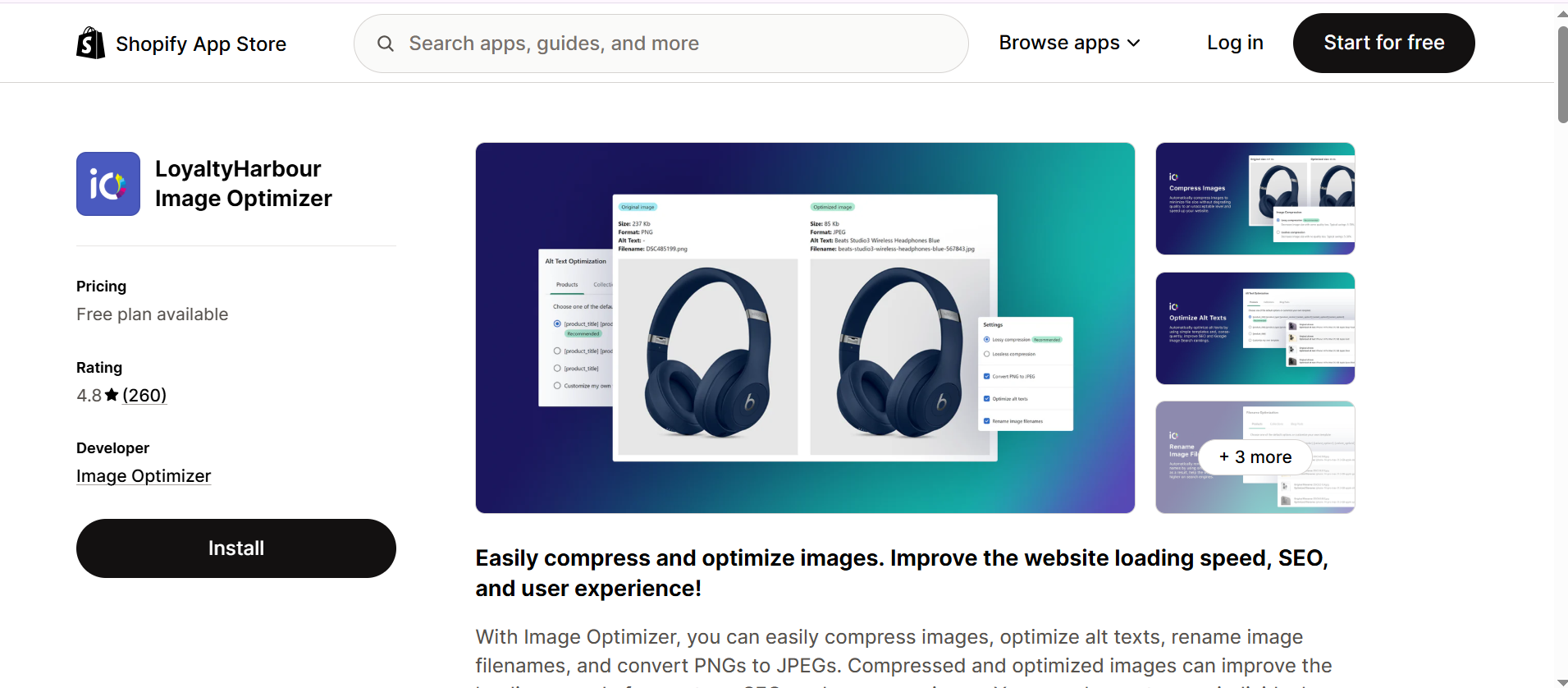
LoyaltyHarbour focuses purely on optimizing Shopify images for speed and SEO. It compresses product, collection, and asset images automatically while offering options for alt text, filename optimization, and backup. LoyaltyHarbour Image Optimizer is ideal for users who want a “set-it-and-forget-it” image optimization workflow.
Key Features:
- Smart Compression Engine: Uses lossless compression to preserve quality.
- Automatic Alt Text & File Name Optimization: Adds SEO-friendly keywords to boost rankings.
- PNG to JPG Conversion: Reduces file sizes by converting formats efficiently.
- Scheduled Scans: Automatically detects and optimizes new uploads.
Pricing:Plans start at $9.99/month (Free plan available)
| Pros | Cons |
|---|---|
| Provides reliable image compression | Limited advanced SEO tools |
| Backup protection included | Costs rise with large catalogs |
| Automated new image detection | Interface feels outdated |
4. Avada SEO Image Optimizer
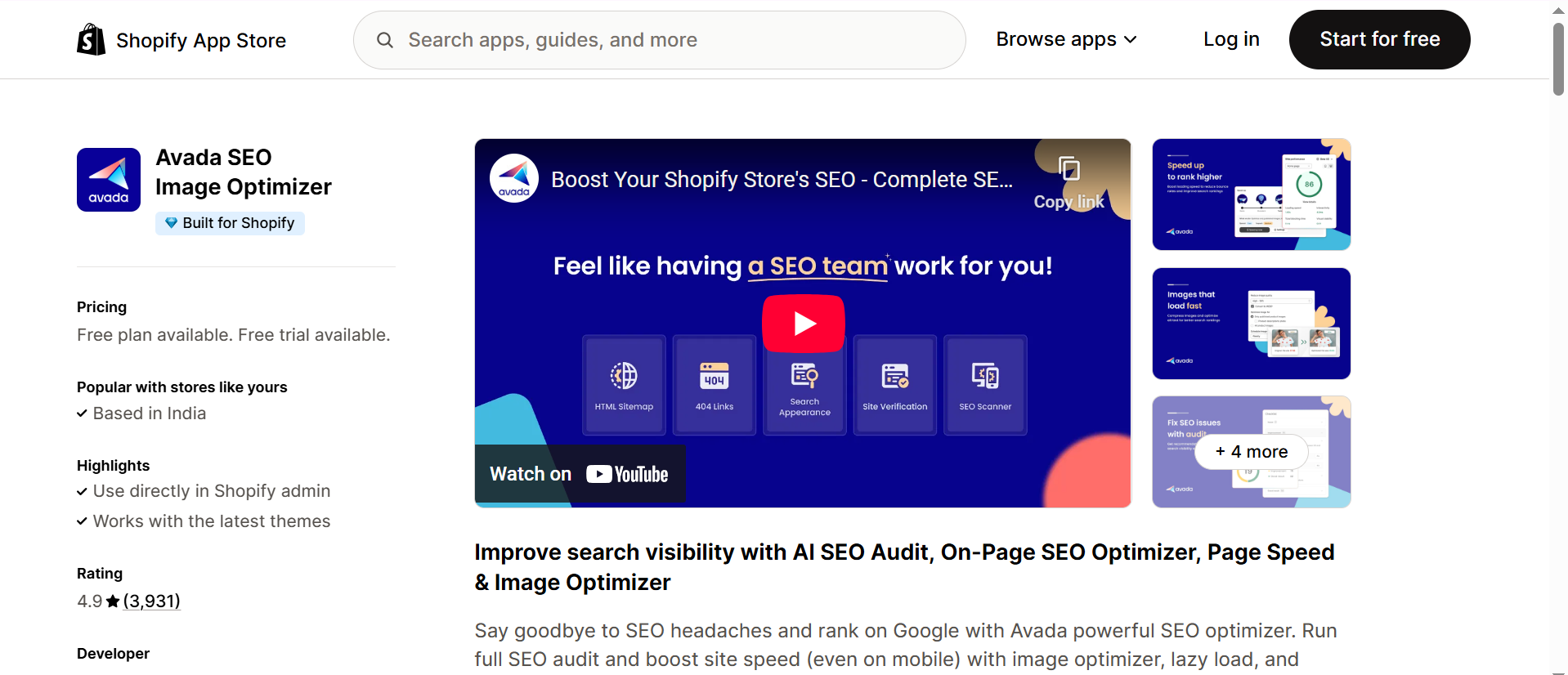
Avada SEO Image Optimizer is a full-featured app that handles both image optimization and on-page SEO for Shopify stores. This is a powerful tool if you’re managing a large catalog and want automated SEO audits alongside image compression.
Key Features:
- Image Compression & Optimization: Compresses product and asset images for faster load times.
- Automatic Alt Text Optimization: Adds relevant alt attributes across your site.
- Structured Data & Sitemap Tools: Helps Google index your store more efficiently.
- Broken Link Checker: Fixes redirect issues that slow down your site.
- Performance Insights Dashboard: Tracks speed and optimization status.
Pricing:Pro plan starting from $34.95/month (Free plan – limited)
| Pros | Cons |
|---|---|
| Full SEO + image optimization combo | Costly for small stores |
| Structured data setup helps with rich results | Overwhelming for beginners |
| Trusted brand with solid support | The setup is complicated and time-consuming |
5. Tiny SEO Speed Image Optimizer
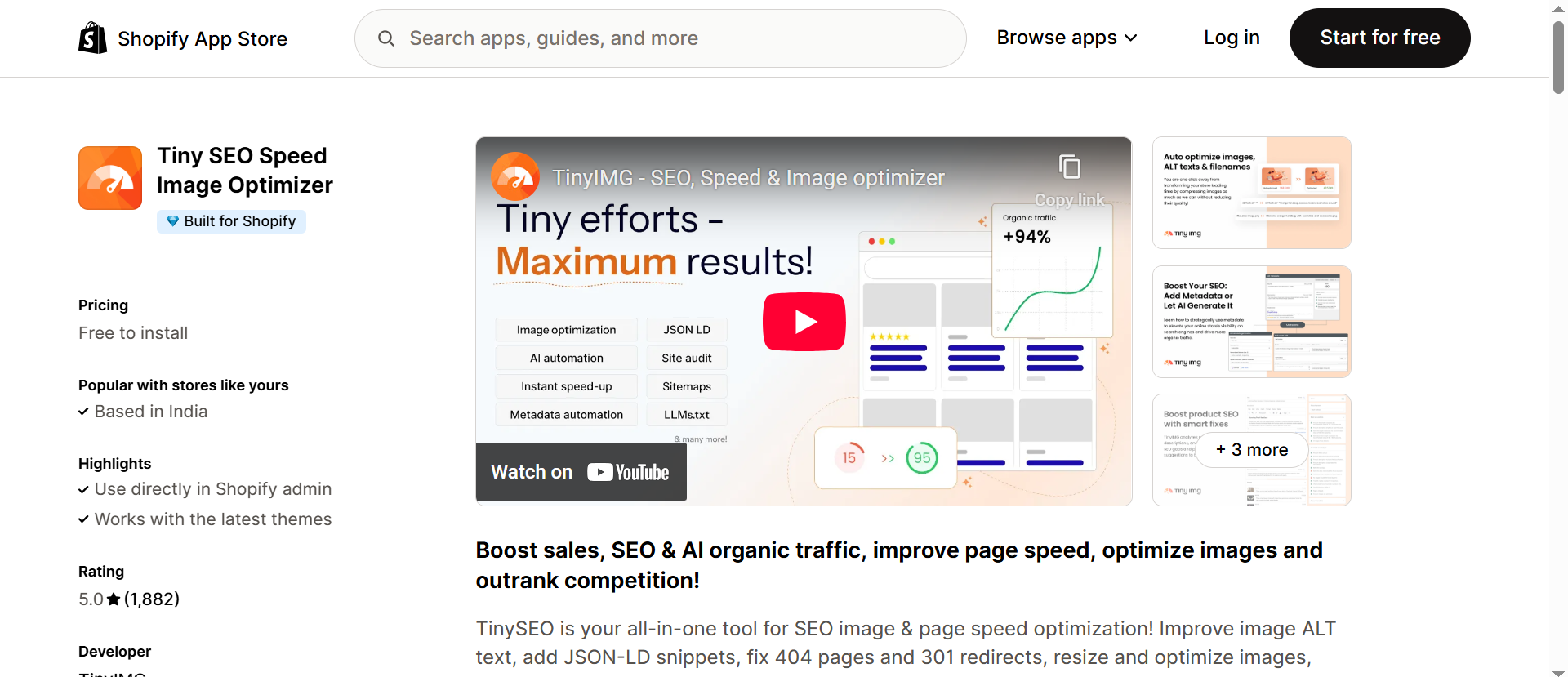
Tiny SEO Speed Image Optimizer specializes in image compression and speed enhancement for Shopify stores. It’s perfect if you want flexible pay-as-you-go pricing and essential image SEO features like lazy loading. Tiny SEO Speed Image Optimizer is one of the best Shopify image optimization apps for overall performance and search engine rankings.
Key Features:
- Lossless Image Compression: Keeps image quality intact while reducing size.
- Alt Text & Filename SEO: Improves image indexing in Google Images.
- Lazy Loading Support: Delays offscreen image loading for faster first-paint times.
- Asset Preloading: Loads key files earlier to enhance speed.
- Flexible Pricing: Ideal for stores with variable monthly image volumes.
Pricing:Basic plan starts at $14/month
| Pros | Cons |
|---|---|
| Flexible pay-as-you-go pricing | Costs may rise for large stores |
| Lazy loading boosts performance | Limited advanced SEO tools |
| Good balance of speed and quality | Support response can vary |
6. SEOAnt: AI SEO & AI Blog Post
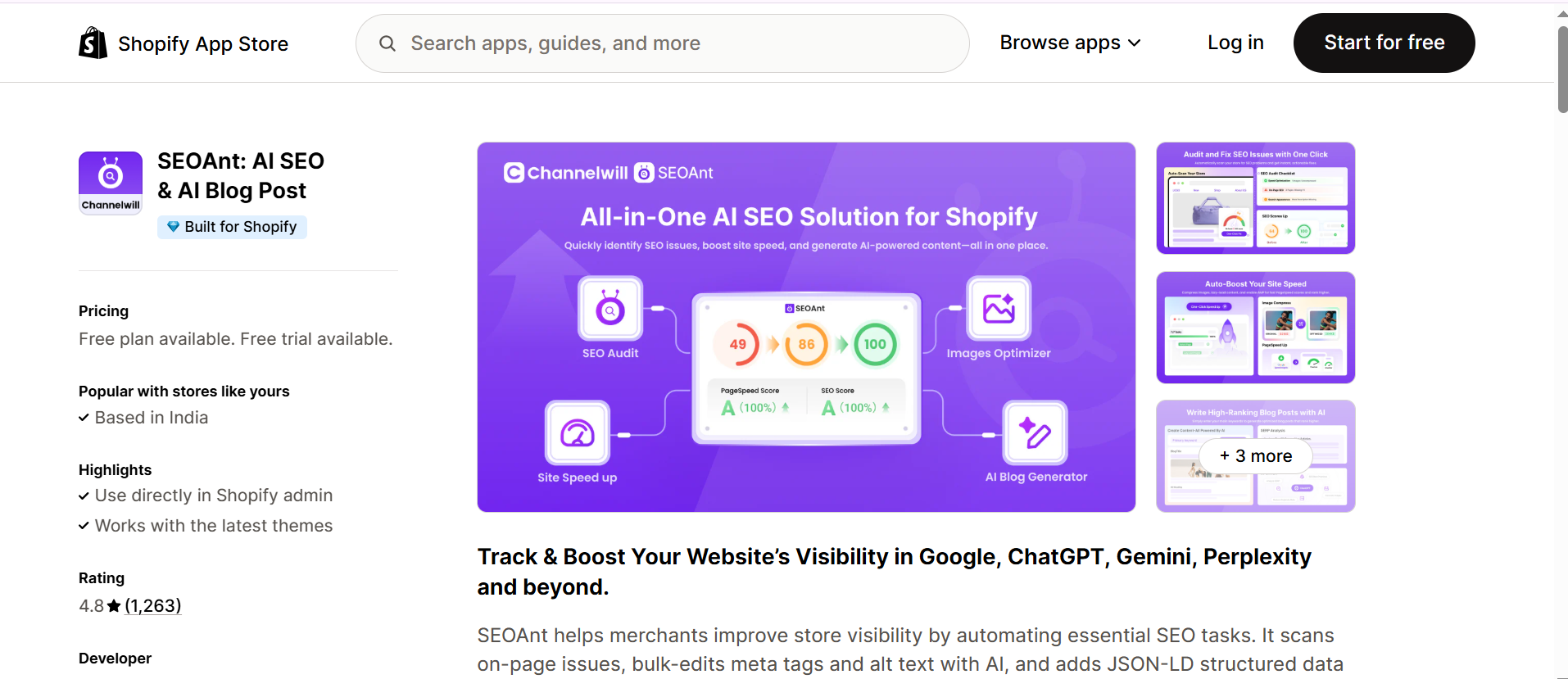
It combines AI-powered SEO automation with built-in image optimization. It’s designed for merchants who want AI-driven metadata generation and hands-off optimization. SEO Ant scans on-page issues and visibility by automating essential tasks.
Key Features:
- AI-Generated Meta & Alt Text: Automatically writes keyword-rich tags for images.
- Image Compression & Format Conversion: Optimizes visual assets for mobile-first performance.
- Speed Enhancements: Improves load time by minimizing large assets.
- Schema & JSON-LD Support: Enhances Google search appearance with structured data.
Pricing:Pro plan starts at $29.99/ month (Free plan available)
| Pros | Cons |
|---|---|
| AI saves manual SEO effort | Smaller user base |
| Automates both SEO and image optimization | Some features are in beta |
| Good hybrid app for scaling stores |
7. SEO Image Optimizer Wizard
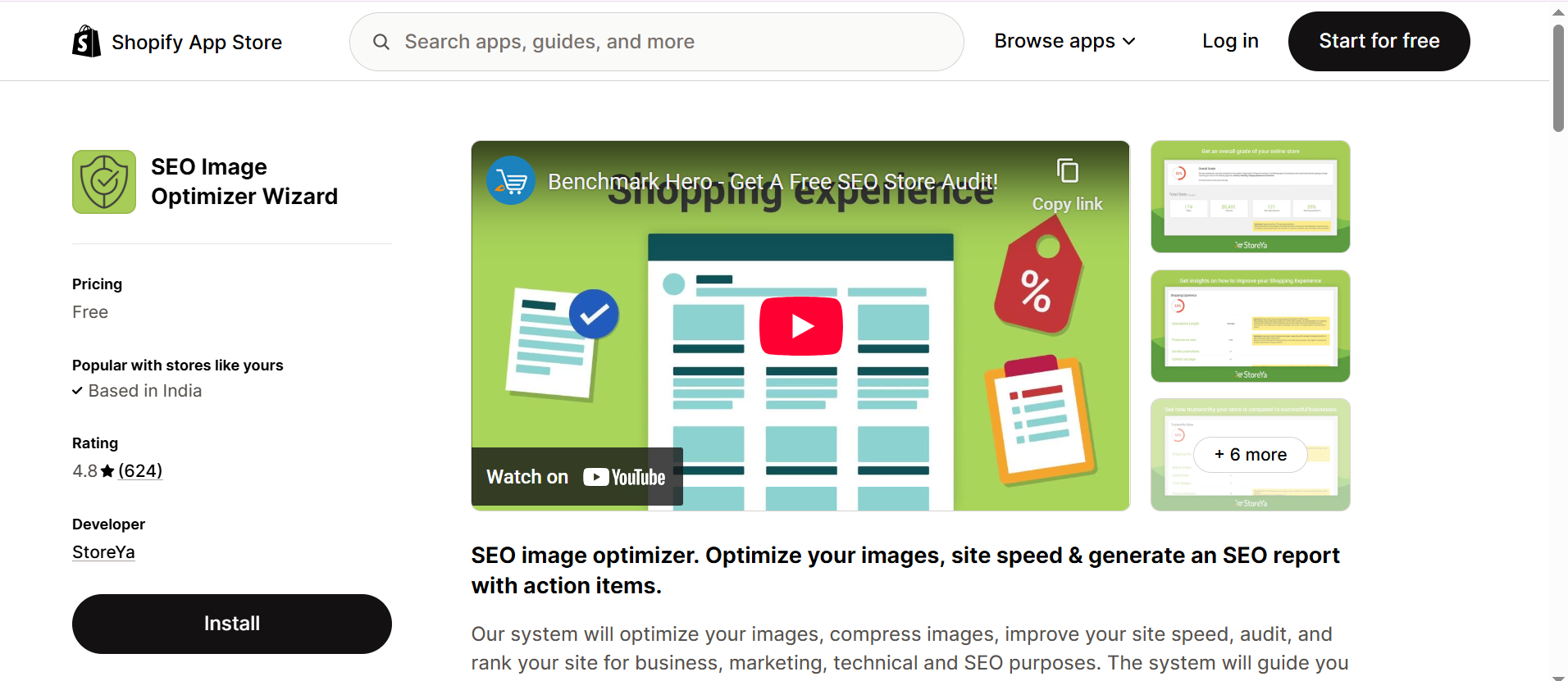
This app is a lightweight Shopify image optimization tool focused purely on improving SEO visibility of your product visuals. I find the SEO Image Optimizer Wizard efficient for smaller stores needing automation for filenames and alt text.
Key Features:
- Automatic Bulk Optimization: Compresses hundreds of product images efficiently.
- Smart Alt Text Filling: Generates keyword-optimized alt tags automatically.
- Filename SEO Optimization: Renames images using relevant keywords.
- Continuous Scan: Detects and optimizes new uploads without manual action.
| Pros | Cons |
|---|---|
| Great for quick image SEO fixes | No analytics or advanced metrics |
| Easy and automated | Lacks page speed tools |
| Budget-friendly | Limited customization options |
8. Crush: Speed & Image Optimizer
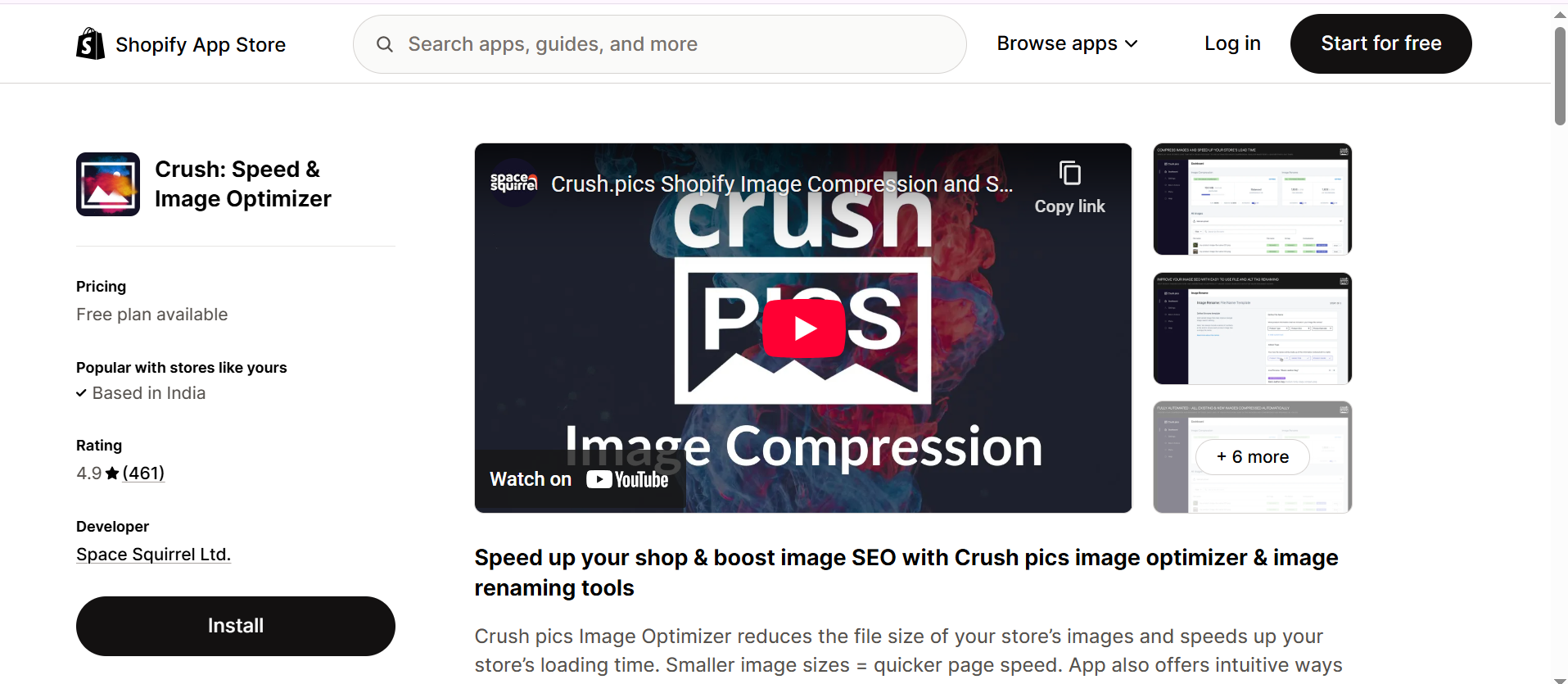
Crush (formerly CrushPics) is one of the most popular Shopify image compression tools, ideal for merchants who want manual control or auto compression modes. Crush is built to reduce image file size, rename image files for SEO, and back up originals automatically.
Key Features:
- Auto & Manual Compression: Choose compression type and quality.
- Alt Text + Filename Optimization: Improves image search rankings.
- Image Backup & Restore: Keeps originals safe for future edits.
- Detailed Compression Stats: Shows before-and-after results for every image.
- Bulk Processing: Ideal for large stores.
Pricing: Free till (25 MB), then $4.99/month tiers based on data usage.
| Pros | Cons |
|---|---|
| Reliable and easy-to-use | Monthly data limits |
| Good balance of compression & control | Doesn’t optimize videos |
| Great for scaling stores | Manual setup can take time |
9. SpeedSize AI-Image Optimizer
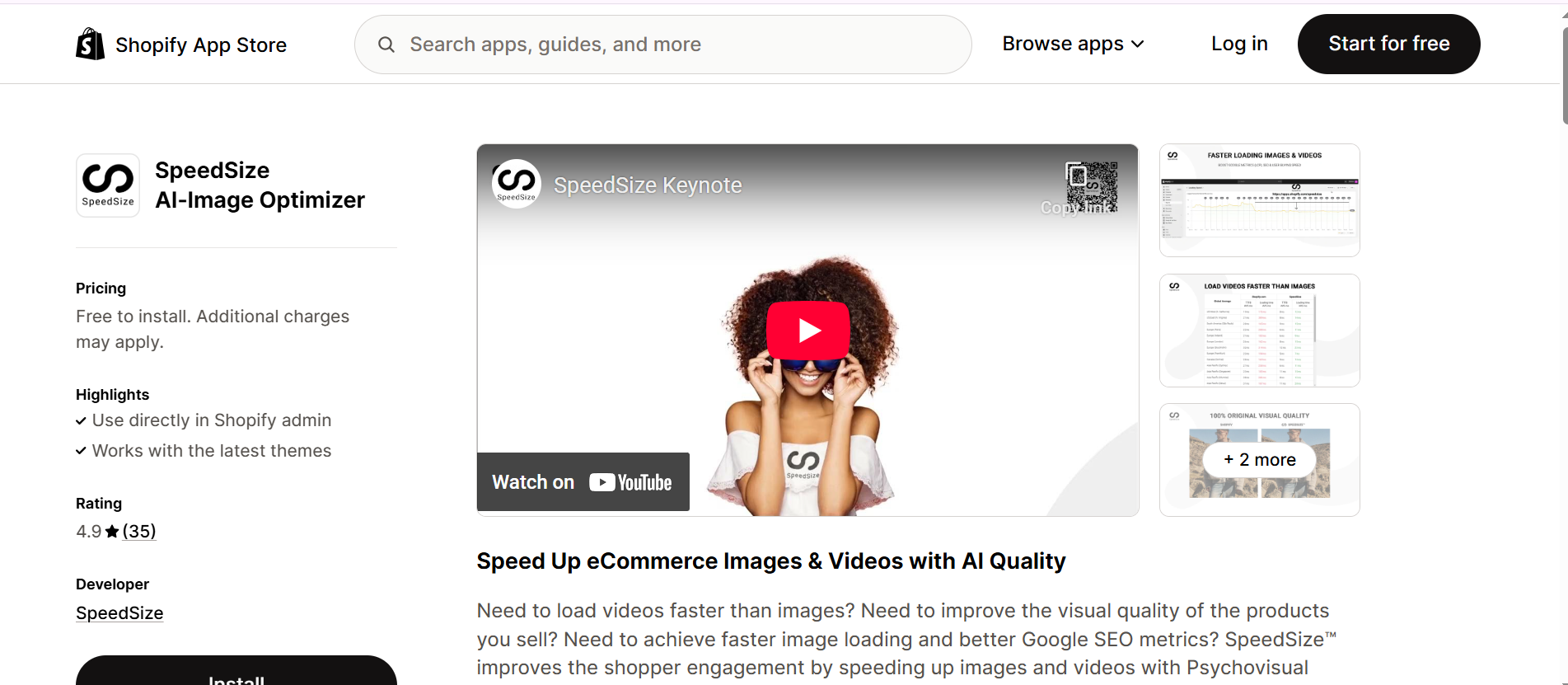
This app leverages artificial intelligence to automatically resize, reformat, and compress images. SpeedSize AI-Image Optimizer is ideal for large e-commerce stores with heavy media assets needing intelligent, automated optimization.
Key Features:
- AI-Driven Optimization: Analyzes each image and selects the best compression format.
- WebP Conversion: Automatically serves modern formats for faster loading.
- Bulk & Continuous Optimization: Keep optimizing as you add new images.
- Visual Quality Preservation: Retains texture, color, and clarity despite compression.
Pricing:Free to install, volume-based customized plan available.
| Pros | Cons |
|---|---|
| AI ensures efficient compression | Limited Shopify integrations |
| Works for very high-image stores | Pricing not transparent |
| Strong balance between quality and size | Newer app with fewer reviews |
10. VF Image Resizer+
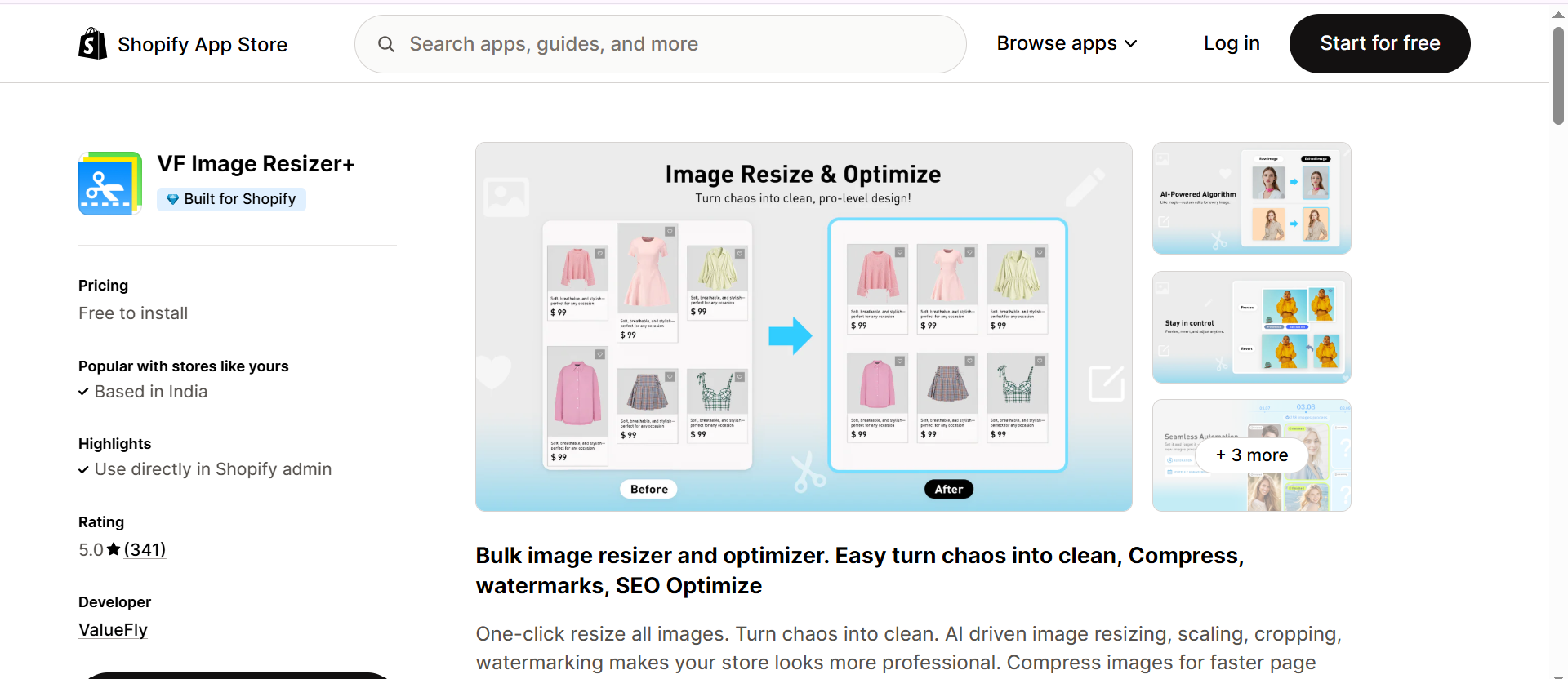
This Shopify app goes beyond compression as it resizes, crops, watermarks, and optimizes images for both branding and SEO. I like VF Image Resizer+ for stores that need a consistent visual presentation along with performance optimization.
Key Features:
- Smart Resizing & Cropping: Ensures uniform image dimensions across collections.
- Bulk Compression: Reduces size while keeping clarity.
- Alt Text & Filename Optimization: Automates SEO naming conventions.
- Watermarking Options: Adds brand watermarks to protect visuals.
- Preview & Undo: Easily review and revert changes if needed.
Pricing:Paid plans start at $12.99/month
| Pros | Cons |
|---|---|
| Ideal for branding + SEO | High-tier plans can be expensive |
| Watermark & crop tools included | Overkill if you only need compression |
| Batch processing is smooth | Slightly slower on bulk updates |
Conclusion
Optimizing Images is one of the simplest yet most impactful ways to improve your Shopify store’s performance, SEO, and user experience. After testing several methods, I’ve realized that using the best Shopify image optimization apps like Image Optimizer Pro can save hours of manual effort while delivering faster load times and better engagement.
Whether you choose an automatic image optimizer or a more advanced Shopify image optimization tool, the right app will ensure your store looks great and loads instantly, helping you convert more visitors into customers.
FAQs
Q1. What features should I look for in a Shopify image optimizer?
Q2. What does an image optimization app for Shopify do?
Q3. Can image optimization apps improve my Shopify store’s SEO and speed?
Q4. Are there Shopify apps that optimize both images and videos?
Q5. How do I choose the right Shopify image optimization tool?
27 November, 2025
Leave a Comment
Ishan Makkar
He is a web performance specialist with hands-on experience optimizing websites for speed, media efficiency, and user engagement. As the founder of Website Speedy and Image Optimizer Pro, he has helped businesses across multiple industries improve load times, strengthen SEO, and reduce bounce rates. His work focuses on creating reliable, data-driven optimization solutions that deliver measurable results and build long-term digital trust.